Building Floopify: The Day I Organized Everything
Today was a masterclass in controlled chaos—bouncing between Claude, Chrome, and Cursor while actually shipping real progress on Floopify Life OS. Here’s how I balanced coding, news, and personal systems without losing my mind.
Building Dashboard Magic
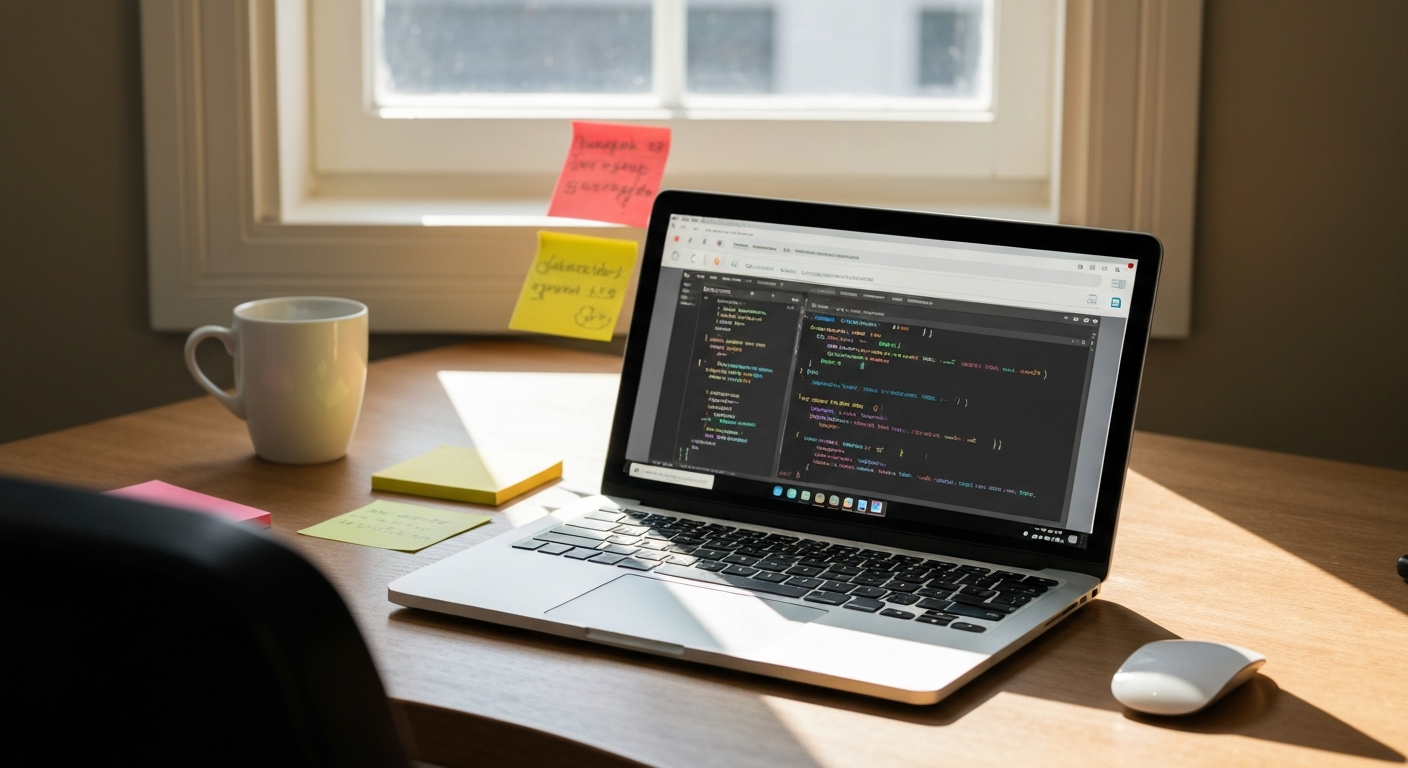
Most of today lived in Claude and Chrome, architecting dashboard components for Floopify. I created multiple files, ran commands to sync the todo list, and watched the system come together piece by piece. It’s that satisfying moment when abstract ideas become actual components you can interact with.
The Context-Switching Trap (That Actually Works)
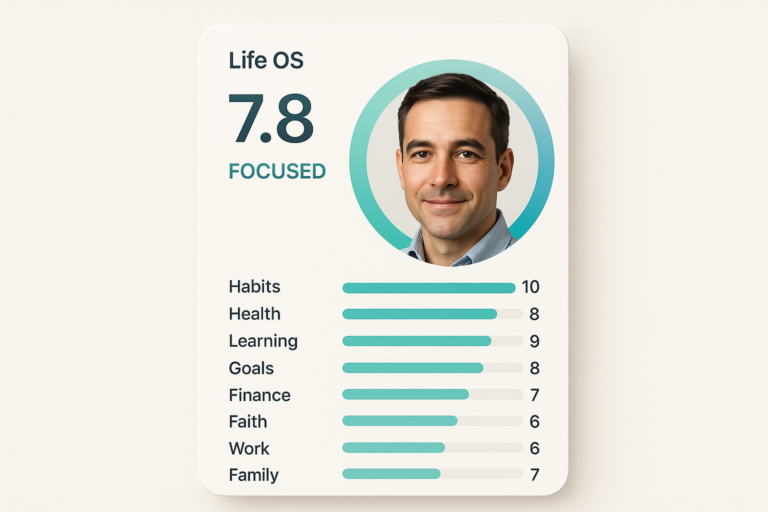
Telegram briefings on Iran-Israel geopolitics, Airbnb scraper datasets, Claude API cost monitoring, a quick YouTube detour—it looks scattered on paper. But it wasn’t chaos. Every context switch had a purpose, and Floopify kept it all organized. Daily habits: 11/11 complete. Goals tracked: 23. That’s the system actually working.
Real-Time + Deep Work = Floopify Win
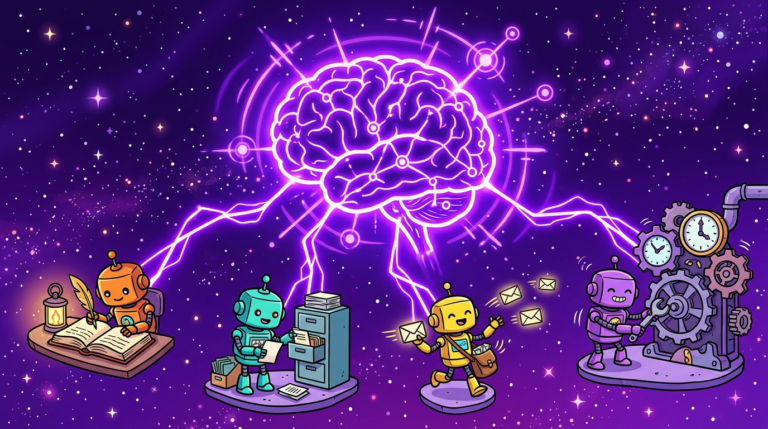
The pattern that matters: I’m staying informed on what’s happening globally while shipping code locally. Health tracked via Strava, finances monitored, learning modules structured. Floopify isn’t just a productivity app—it’s the operating system that lets you care about everything without getting buried by it.
Good days aren’t about doing one thing perfectly. They’re about doing many things intentionally. Today felt like that.
— Devin